Install .NEXT CMMS on desktop and mobile
Give planners, technicians, and managers a clean app entry point instead of asking everyone to keep a browser tab open.
Same product, better launch experience
Install .NEXT CMMS for a cleaner desktop shell, stronger home-screen presence, and a more product-like entry point for daily operations. This is the fastest rollout path while Microsoft Store, App Store, and Google Play listings remain optional.
Open straight into .NEXT CMMS from taskbar, dock, Start menu, or home screen instead of relaunching from a browser tab.
Desktop and field users can install the same branded app shell now while store listings are still optional.
Core assets stay cached so the app reopens quickly and behaves more like a dedicated product than a loose website.
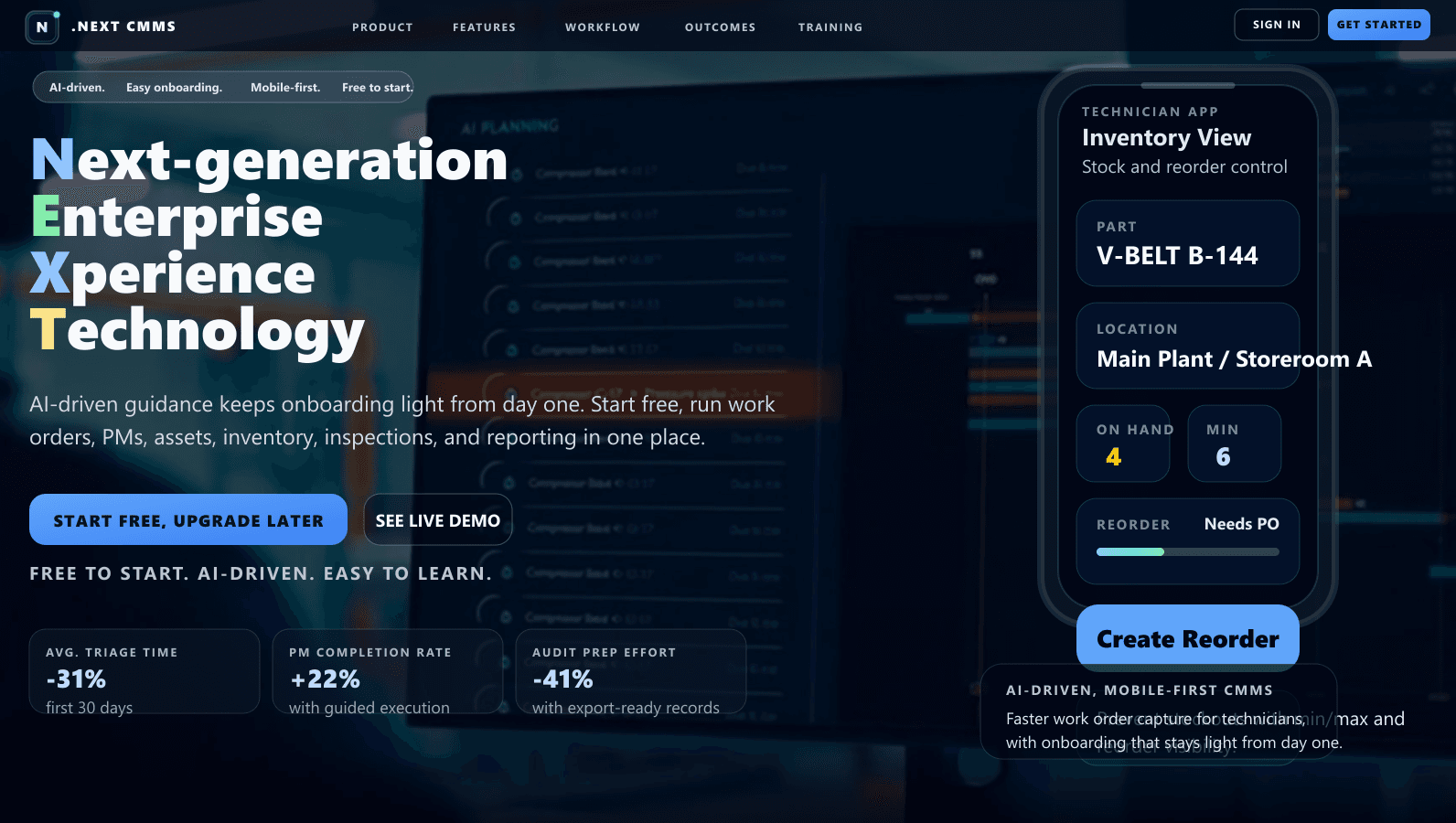
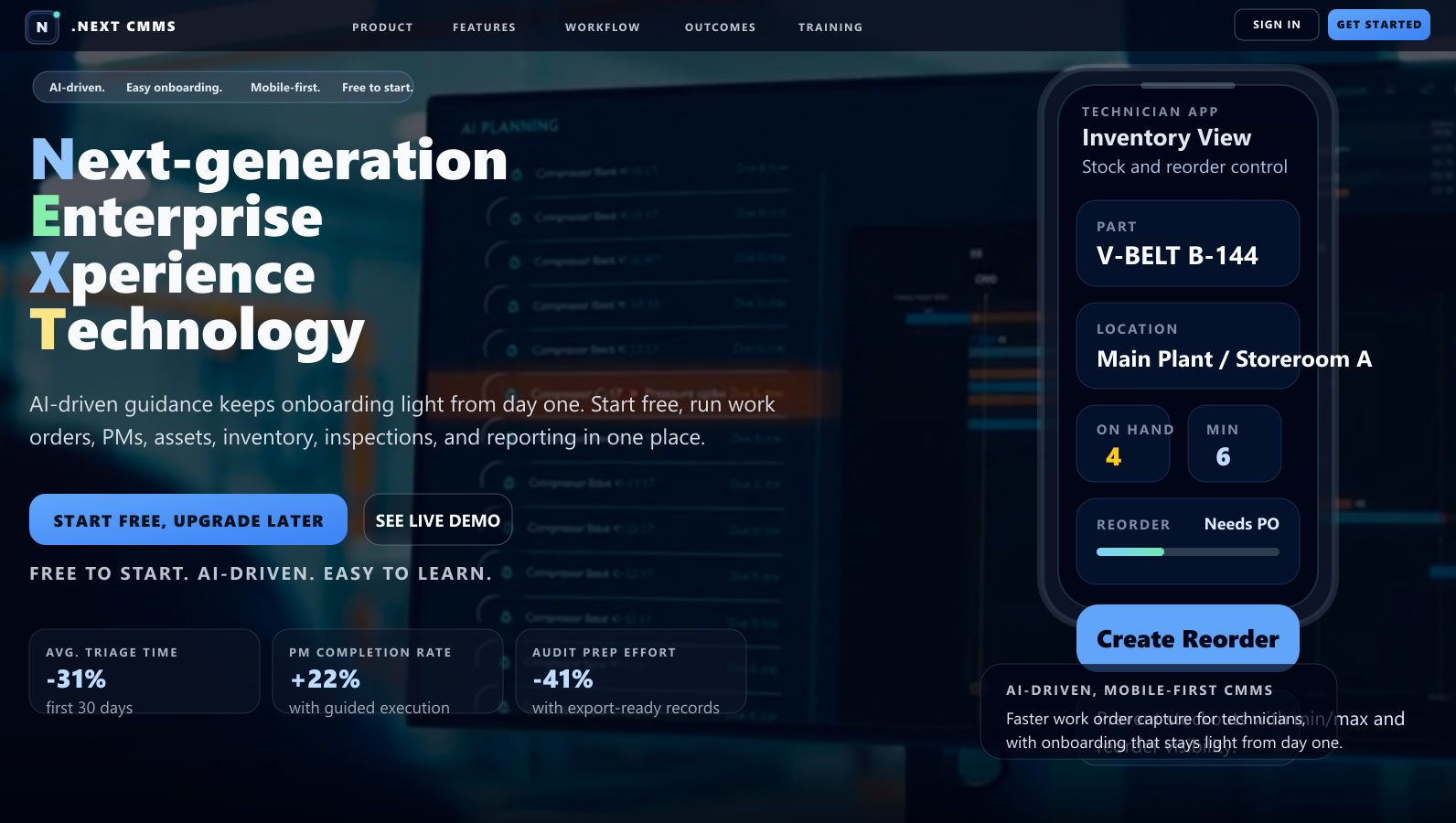
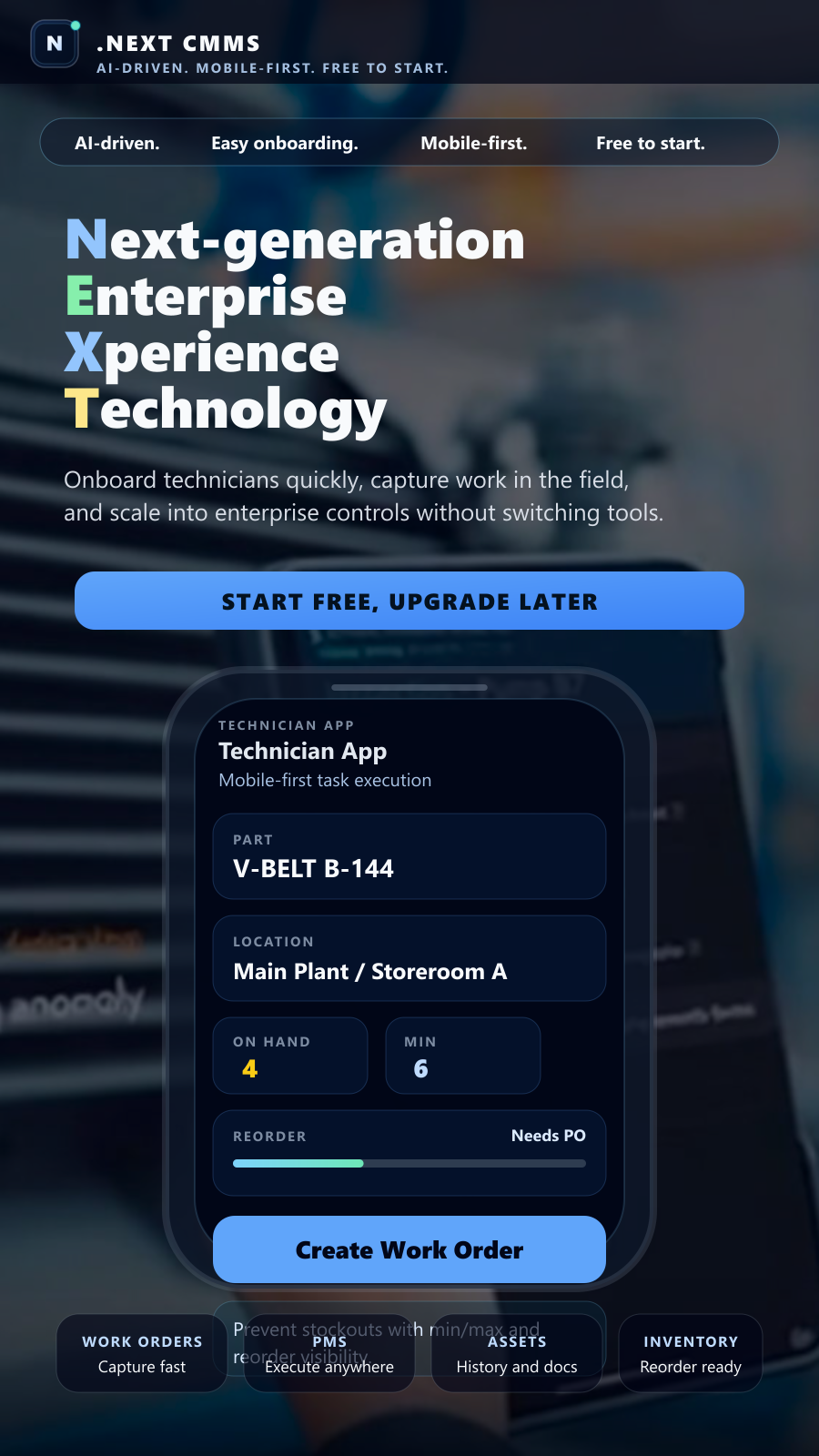
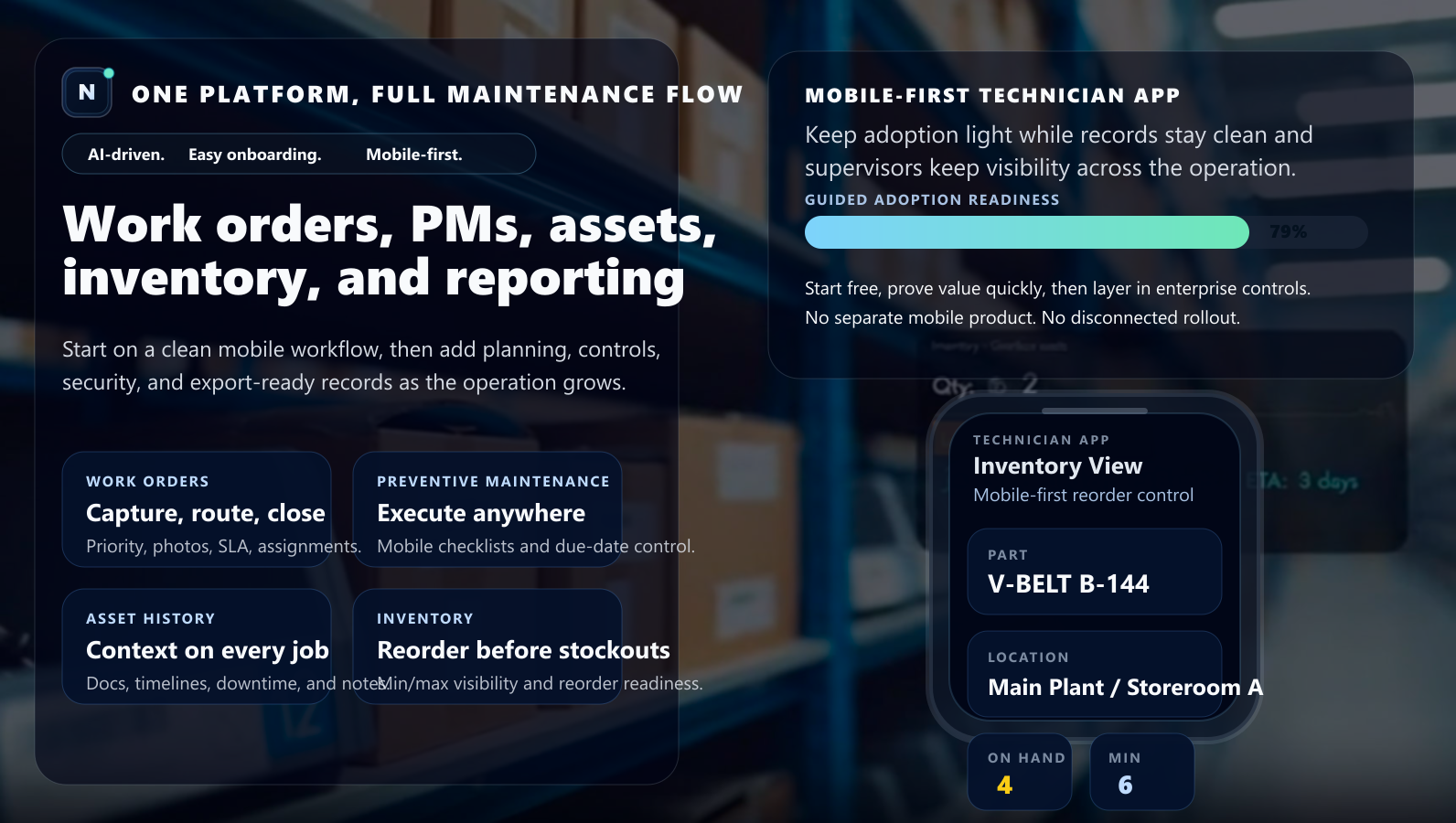
Branded install previews
The manifest, install prompt, and apps page now point to the same visual system instead of a generic getting-started layout.
Windows desktop
Best for planners, supervisors, and admin users who want a taskbar app with fast relaunch and a cleaner desktop shell.
- 1Open .NEXT CMMS in Chrome or Edge on Windows.
- 2Click Install app in the address bar, or accept the browser install prompt.
- 3Pin the installed app to the taskbar or Start menu for daily use.
Android
Best for technicians and team leads who need mobile-first access to work orders, inventory, and workflow screens.
- 1Open .NEXT CMMS in Chrome on Android.
- 2Choose Install app from the prompt or browser menu.
- 3Launch from the home screen with cached shell support for faster reopen.
iPhone / iPad
Best for iOS teams who want the same branded app experience without waiting for an App Store listing.
- 1Open .NEXT CMMS in Safari.
- 2Tap Share, then choose Add to Home Screen.
- 3Launch from the home screen for a full-screen mobile workspace.
Use the PWA path first, add store listings later
For most teams, the PWA install path is enough to launch on Windows, Android, and iPhone right now. It keeps branding consistent, shortens onboarding, and avoids waiting on store review before your first rollout.